Why does Next.js crash with "JavaScript heap out of memory" during production builds?
The crash happens because the V8 JavaScript engine defaults to a memory limit of approximately 1.4 GB on 64-bit systems. During next build, Next.js compiles pages and generates static paths in parallel using worker threads. On machines with multiple CPU cores (such as continuous integration runners or virtual private servers), each worker thread compiles routes concurrently, exhausting the available memory pool and triggering a fatal garbage collection failure:
<--- Last few GCs ---> [4821:0x5e2b000] 142100 ms: Mark-sweep 2045.2 (2082.1) -> 2042.8 (2082.6) MB, 1420.1 / 0.0 ms FATAL ERROR: Ineffective mark-compacts near heap limit Allocation failed - JavaScript heap out of memory
The quick three-step solution:
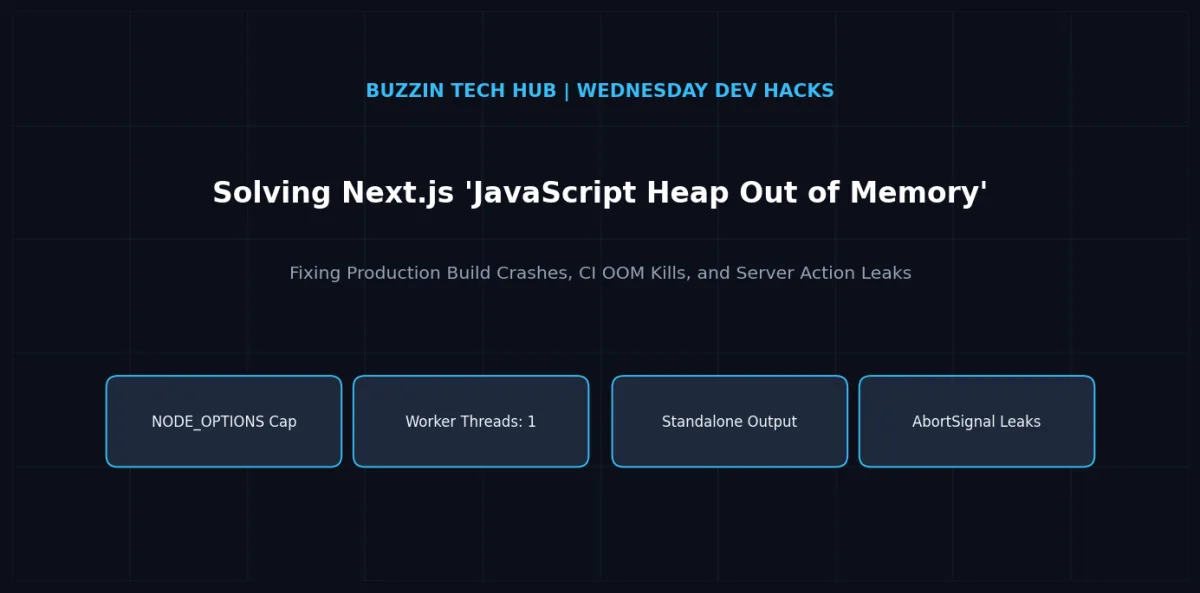
Throttle build worker threads: In your next.config.js, configure experimental.cpus: 1 (or experimental.workerThreads: false) to prevent Next.js from spawning an independent compiler worker for every CPU core.
Increase V8 heap size: Set the environment variable NODE_OPTIONS="--max-old-space-size=4096" in your build script or CI environment to raise the V8 memory threshold to 4 GB.
Enable standalone output: In next.config.js, set output: 'standalone' to copy only the production dependencies, reducing container runtime memory from 1.2 GB to under 150 MB.
The anatomy of the problem: why builds crash in production
Developers frequently encounter a situation where an application runs smoothly in local development via next dev, but the production pipeline on GitHub Actions, GitLab CI, or a Docker host crashes abruptly during next build. This issue has become one of the most upvoted technical problems on developer forums and GitHub issue trackers.
To fix the issue permanently, engineers must understand the interaction between three separate systems: the V8 memory allocator, the Next.js compiler architecture, and container resource limits.
1. V8 memory allocation limits
Node.js runs on Google's V8 JavaScript engine. By default, V8 sets its old memory space ceiling conservatively. Even if your physical server has 32 GB or 64 GB of RAM, Node.js refuses to allocate more than 1.4 GB to 1.8 GB to its heap unless explicitly commanded otherwise. When a single process accumulates data past that limit, the V8 garbage collector initiates aggressive mark-sweep cycles. If multiple consecutive garbage collection cycles recover less than a fraction of a percent of free memory, the runtime intentionally terminates the process to prevent system thrashing.
2. Parallel static site generation (SSG) worker multiplication
When you run next build, the compiler does not execute as a single linear process. Next.js inspects the host hardware, identifies the number of available CPU cores, and forks child worker processes to build pages simultaneously. If your CI server has 8 virtual CPU cores, Next.js spawns 8 separate worker instances.
If each worker attempts to load heavy dependencies, parse abstract syntax trees (ASTs), and execute database calls for static page rendering, the total memory consumption multiplies across those 8 workers. In virtualized environments like Docker containers where host memory is restricted, the container kernel kills the process with an Out Of Memory (OOM) signal (exit code 137), or one of the child workers triggers the V8 allocation error.
3. Module bundling bloat and unoptimized imports
Many modern web applications inadvertently import large server libraries into client boundaries or import massive component packages without tree-shaking. Packages like heavy chart libraries, icon collections, and date utilities can cause Webpack or Turbopack AST graphs to balloon during the compilation phase, generating millions of in-memory objects that exhaust the heap before chunk emission completes.

Mustehsan Sheikh
Founder, BuzzinTech
Mustehsan runs BuzzinTech, a software engineering and growth agency building the technical foundation for startups and scaling teams. Writes about engineering workflows, AI automation, and the shifting shape of search in 2026.
Have a project in mind?
Tell us what you're working on and we'll tell you honestly what it'll take to build it right.
Start Your Project →