The developers who get the most done in 2026 do not type faster than you. They wait less. Every tool they touch answers sooner, every context switch costs less, and the machine under their fingers behaves the same on Monday as it did on Friday. None of that comes from talent. It comes from a setup that was built on purpose.
Two weeks ago this column covered the agent side of that equation: how to run coding agents the way a good lead runs a team (Ship it on purpose: developer workflows that hold up in 2026). This week is about the ground those agents run on. Your shell, your repository habits, your local environment, and your CI pipeline decide how much of your day is actual work and how much is waiting and re-setup. The hacks below are small on their own. Together they change the texture of a workday.
Rebuild your terminal stack in thirty minutes
Most developers lose their day in slices of five seconds. A grep across a monorepo that takes twelve seconds. A find that crawls node_modules. Scrolling through ls output trying to spot the changed file. Each delay is trivial. Repeated forty times a day, they add up to a meeting you never scheduled.
The fix is a one-time, thirty-minute upgrade. Modern replacements for the classic Unix tools are dramatically faster and more pleasant, and they are almost all free and open source. The standard stack in 2026 looks like this:
# macOS
brew install ripgrep fd bat eza fzf zoxide tldr lazygit jq starship just
# Ubuntu
sudo apt install ripgrep fd-find bat fzf jq
What each one buys you: ripgrep (rg) searches code an order of magnitude faster than grep and respects your .gitignore by default, so you stop waiting on searches and stop seeing build artifacts in the results. fd replaces find with simpler syntax and parallel traversal, roughly 5-10x faster. bat is cat with syntax highlighting and line numbers, which makes reading files in the terminal something you do instead of something you avoid. eza replaces ls with color-coded output, git status integration, and a tree view. zoxide learns the directories you visit and jumps to them with z proj instead of a full path. fzf turns Ctrl+R history search and file finding into fuzzy instant search. tldr gives you practical examples for commands instead of man-page novels. lazygit makes staging hunks, interactive rebase, and conflict resolution visual inside the terminal. starship gives you a fast, informative prompt in any shell. just replaces Makefiles for project tasks with saner syntax.
Two of these deserve special attention because they change habits, not just speed. fzf wired into your shell history means you never retype a long command from memory; you summon it. zoxide means the mental cost of jumping between projects drops to near zero, which is exactly the friction that keeps people in one directory too long. Install them, give them a week, and the old way will feel like wading.
The shell around the tools matters too. Warp rethought the terminal with block-based output and command suggestions, while Alacritty and WezTerm stay the picks for raw speed and deep configurability. Whichever you use, pair it with delta as your Git pager: syntax-highlighted, side-by-side-capable diffs turn code review in the terminal from a chore into something you can actually read. Reading a diff should feel like reading the change, not decoding it.
Stop stashing: Git worktrees and the parts of Git you skipped
The most common Git workflow in the world is also one of the most wasteful: stash your changes, switch branches, do the review or the hotfix, switch back, pop the stash, resolve the mess the stash pop created. There is a better primitive, and it has shipped with Git for years.
git worktree gives you multiple working directories attached to one repository. Instead of stashing to switch context, you open a second directory:
git worktree add ../hotfix hotfix/login-bug
git worktree list
git worktree remove ../hotfix
Each worktree has its own checked-out branch, its own build state, its own running dev server. You review the pull request in one window and keep your feature work untouched in the other. When the review is done, the worktree goes away and the main directory never knew it happened. Developers who run several things in parallel treat worktrees the way chefs treat counter space: you would not cook three dishes in one pan.
While you are relearning Git, three more underused features pay for themselves. git bisect run automates the hunt for the commit that broke something: you give it a good commit, a bad commit, and a test script, and it binary-searches history for the culprit while you do something else.
git bisect start HEAD v1.0.0
git bisect run ./scripts/run-test.sh
git bisect reset
For large repositories, the defaults of git clone assume you want everything, and on modern repo sizes you usually do not. A partial clone with sparse checkout downloads the history but fetches file contents on demand, and materializes only the directories you name:
git clone --filter=blob:none --sparse <url>
git sparse-checkout set src/frontend tests/frontend
The working tree shrinks to your slice of the monorepo while git log still sees the full history. And rerere ("reuse recorded resolution") remembers how you resolved a merge conflict and replays the resolution when the same conflict returns, which is a quiet lifesaver on branches you rebase repeatedly. Enable it once with git config --global rerere.enabled true and forget it exists until it saves you.
The theme across all four: stop paying for parts of the repository and the workflow you are not using. The stash list stays empty because nothing was ever stashed.
One small hygiene habit belongs here too. Branches accumulate, and a branch list with forty dead entries is a tax on every future git branch and git switch. git branch --merged main shows what is already merged; piping that into git branch -d clears the dead wood in one command. Do it monthly. A clean branch list is a small thing that makes the repository feel owned instead of inherited.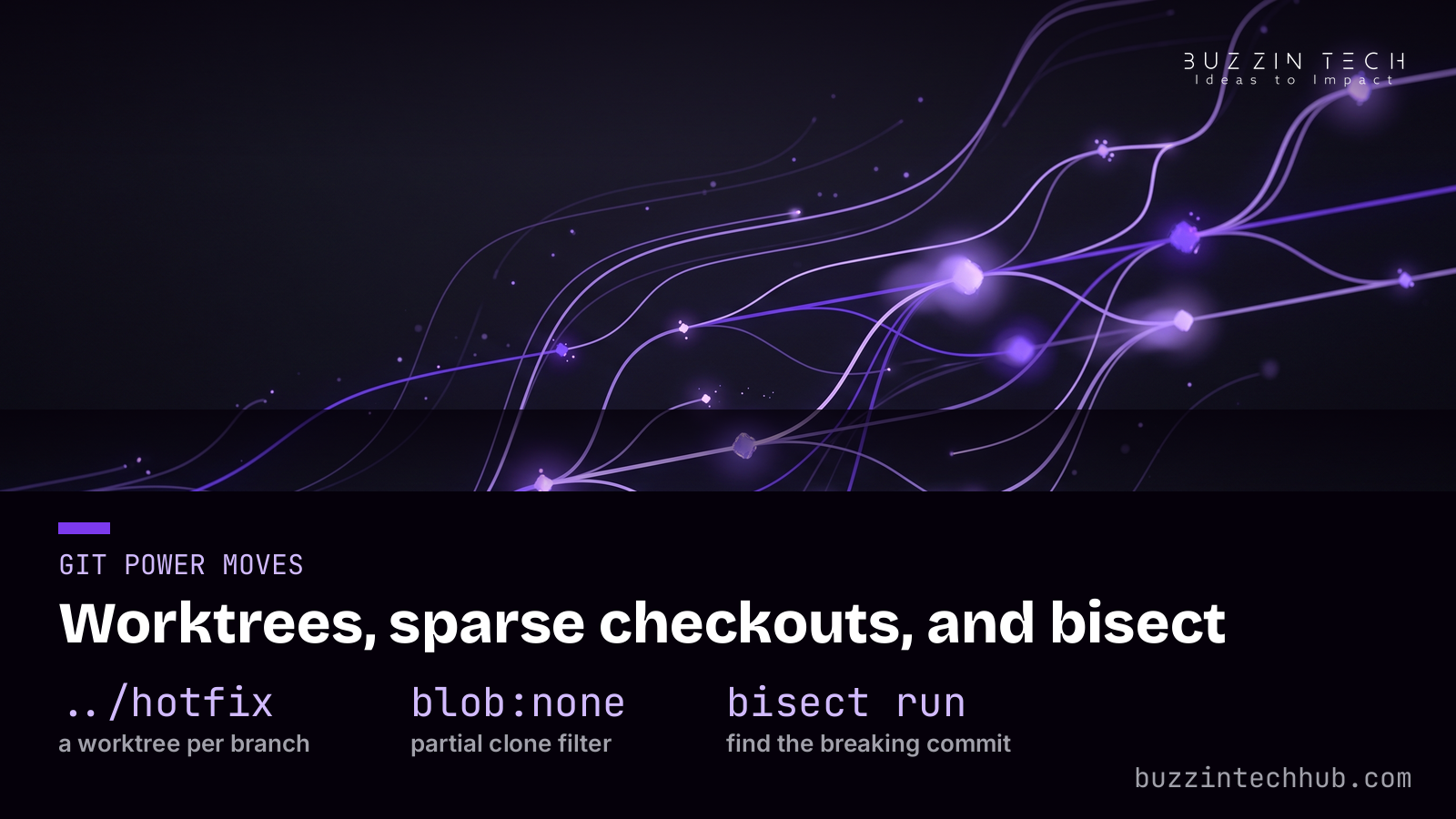
One command from clone to green
Ask a room of developers how long it takes a new hire to get a repo running and watch the laughter. Half a day is normal. A full day is common. That is not a rite of passage; it is a bug in the project. The hack is a single bootstrap command that takes a fresh clone to a green test suite with no manual steps, and the tooling to make that real has matured fast.
The lightest path is mise, which pins language versions and tools per project in a .mise.toml file: clone the repo, run the setup command, and everyone gets the same Node, Python, or Go without thinking about it. One step up is Nix flakes, which pin exact versions of everything down to system packages with bit-reproducible results; the learning curve is steep and the payoff is a machine that cannot drift. devbox sits between them, Nix underneath with a friendlier interface. Pick the one your team will actually maintain. A pinned setup that rots is worse than none.
The same thinking applies to services. The default answer used to be Docker for everything, but a 2026 reappraisal is worth reading: for local development, much of what Docker was hired for now has lighter answers. A native install (brew install postgresql@17 redis) boots in seconds and idles in tens of megabytes of RAM, where a full containerized backend stack can measure in gigabytes. For tests and prototypes, single-binary databases changed the math: PGlite compiles Postgres to WebAssembly in about 30 MB and runs in Node or the browser, and Tinbase bundles real Postgres 17 with auth, realtime, and edge functions into one 58 MB executable that works with the supabase-js SDK unchanged, MIT-licensed. One file, no daemon, no port fights with someone else's database container.
The rule that ties it together: the bootstrap must be executable documentation. make setup, devcontainer up, or nix develop, then tests. Prove it by deleting your caches and running it again from scratch. If it goes green twice, you have fixed onboarding, machine rebuilds, and the "works on my machine" class of bugs in one move, and a new hire's first day stops being a setup day.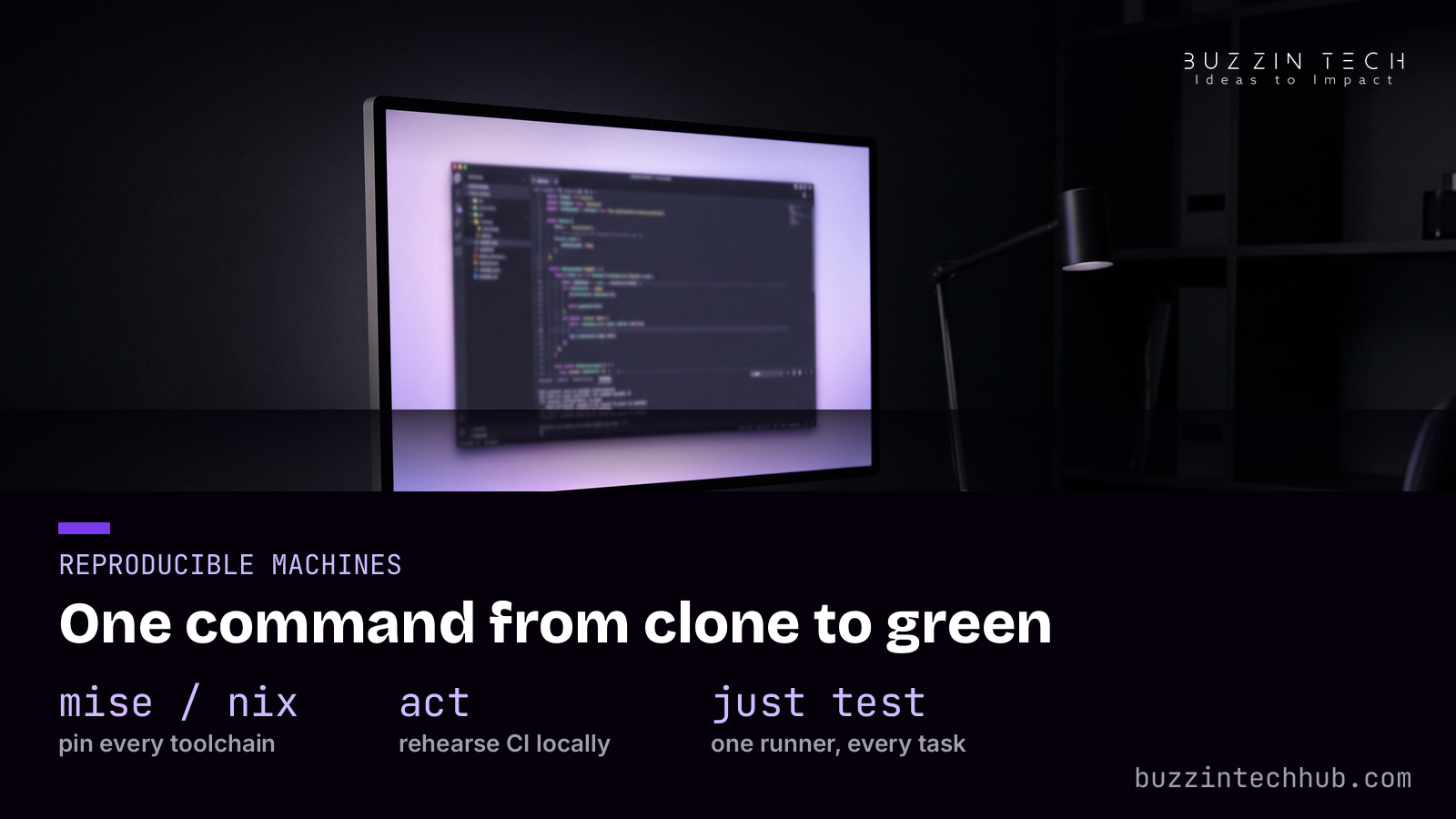
Push the checks left: pre-commit and local CI
The most expensive place to discover a formatting error is in CI, ten minutes after you pushed, when the context has already left your head. pre-commit moves those checks to the moment of commit: linters, formatters, and secret scanners run in seconds before the commit lands. One team's hooks run format checks, linting, and compile checks in 10-30 seconds and catch roughly 80 percent of issues before they ever reach a pull request. That is not a marginal gain. It is the difference between fixing a nit while the code is warm and fixing it tomorrow.
The companion hack is running CI on your own machine before GitHub ever sees the push. act (from nektos) executes your GitHub Actions workflows locally, so a broken workflow file fails in seconds on your laptop instead of after a push. Be honest about its limits: container-heavy steps like Nix installers and cache actions often fail inside act's containers, so treat an act failure as a rehearsal note, not a verdict. For workflow files themselves, actionlint catches YAML mistakes statically, and a pre-commit hook that runs it on every workflow change stops the classic loop of push, watch red, fix typo, push again.
Then make CI itself cheaper. Three moves cover most of the waste. Cache aggressively with actions/cache@v4: dependencies keyed on the lockfile, Playwright browsers in ~/.cache/ms-playwright, pre-commit environments in ~/.cache/pre-commit, each invalidated only when its config changes. Filter ruthlessly: path filters skip CI for docs-only changes, and many teams run full pipelines only on main and pull requests, not on every feature-branch push; one project cut its Actions usage from about 6,000 minutes a month to about 500 with that change alone, roughly a 90 percent reduction. And keep heavyweight jobs (release builds, security audits) off the inner branches entirely.
One more discipline closes the loop: make local and CI run the same scripts. When just test on your laptop executes the same commands the workflow runs, a green local pass means something. The teams that suffer most from CI are the ones where local checks and remote checks are two different implementations of the same idea, drifting apart with every commit. One script, two runners, no drift.
The pattern is the same as the terminal stack: move feedback earlier and make the repeat runs cheap. A red build you see in thirty seconds is a lesson. A red build you see tomorrow morning is a meeting.
The inner loop is the whole game
There is a useful split in how developers spend time. The inner loop is the local cycle you repeat hundreds of times a day: edit, build, test, debug. The outer loop is everything after the push: CI, review, merge, deploy. Outer-loop wins unblock releases. Inner-loop wins compound, because you live inside that loop all day. Every hack in this article is really an inner-loop hack.
The last one is the simplest: give every repeated command a name. just is a command runner that stores project tasks in a justfile with cleaner syntax than make: just test, just lint, just services-up. New contributors discover what exists with just --list instead of reading CI YAML to learn how the project builds. The runner becomes the executable README, and the gap between "I know this needs doing" and "it is doing" shrinks to a few keystrokes.
Pair that with watch modes and incremental tools where they exist: test runners that rerun only what changed, type checkers that stream errors as you type, dev servers with hot reload. The target is an edit-to-feedback loop measured in seconds, ideally under one. You will feel the difference before you can measure it: the work starts to flow instead of stutter.
If you want one number to track, time your loop. Pick the change you make most often, a small edit and its test, and measure wall-clock time from save to result. Most developers have never measured it, and most are surprised: the loop they assumed took seconds takes a minute, mostly in startup and rebuild overhead they stopped noticing years ago. Every second you shave off gets multiplied by the hundreds of repetitions in a week. It is the highest-leverage measurement in the craft, and almost nobody takes it.
Pick one section this week. Rebuild the terminal stack on Monday, or add worktrees to your Git habits, or wire up pre-commit. The developers who seem fast are not hurrying. They just stopped paying the small taxes everyone else pays all day.
Frequently asked questions
Do I really need to replace grep and find? They work fine.
They work, but "fine" is doing a lot of lifting. ripgrep and fd are not marginally faster; they change how often you are willing to search. When a search takes a second instead of twelve, you search instead of guessing, and guessing is where bugs hide. The switch costs one install command.
Will Git worktrees confuse my editor or my build tools?
Each worktree is a normal directory with its own checkout, so editors and build tools treat it like any other project folder. The one rule to respect is Git's: the same branch cannot be checked out in two worktrees at once. Give each worktree its own branch and you will never hit it.
Is Nix worth the learning curve for a small team?
Probably not as a first step. Start with mise or devbox for version pinning and a single bootstrap command; you get most of the reproducibility for a fraction of the learning cost. Reach for Nix when drift between machines is actively costing you time, not before.
Does pre-commit slow down committing?
A well-tuned pre-commit setup runs in seconds and only checks changed files. The commits it slows are the ones that would have failed CI ten minutes later. If hooks feel slow, the fix is scoping them to staged files, not removing them.
Can act fully replace testing workflows on GitHub?
No. Act is a rehearsal, not a replica: container-heavy steps and cache actions often behave differently locally. Use it to catch YAML mistakes and logic errors fast, then let one real push confirm the workflow on GitHub's runners.
What is the single highest-value hack on this list?
The one-command bootstrap. It fixes onboarding, machine rebuilds, and environment drift in one move, and it forces every hidden dependency out into the open. Everything else on this list makes one developer faster; the bootstrap makes the whole team faster.
More from Buzzin Tech Hub
Tomorrow's rotation brings software updates: October update season: the software releases landing on your devices. For the full archive, browse the Buzzin Tech Hub blog.